
A register records the past
A paper register can capture a name, payment or visit. The problem starts when the owner needs an answer: who has stopped attending, whose plan expires next week, which UPI proof is unverified, or how much was actually collected today?
Finding that answer usually means checking more than one book, asking another staff member or rebuilding the information in a spreadsheet.
Repeated entry creates invisible work
A member may be written into an enquiry diary, admission form, attendance book, fee register and trainer notebook. Every copy creates another chance for a spelling difference, missed update or unclear balance.
- The front desk searches more than once
- Owners wait for a manually prepared report
- Trainers keep a separate session balance
- Renewal follow-up starts after the expiry is noticed
Start with a 7-day free trial.
If VIOFIT works for your team, choose a plan. If it does not, do not upgrade.
Start the free trialA connected app changes the next action
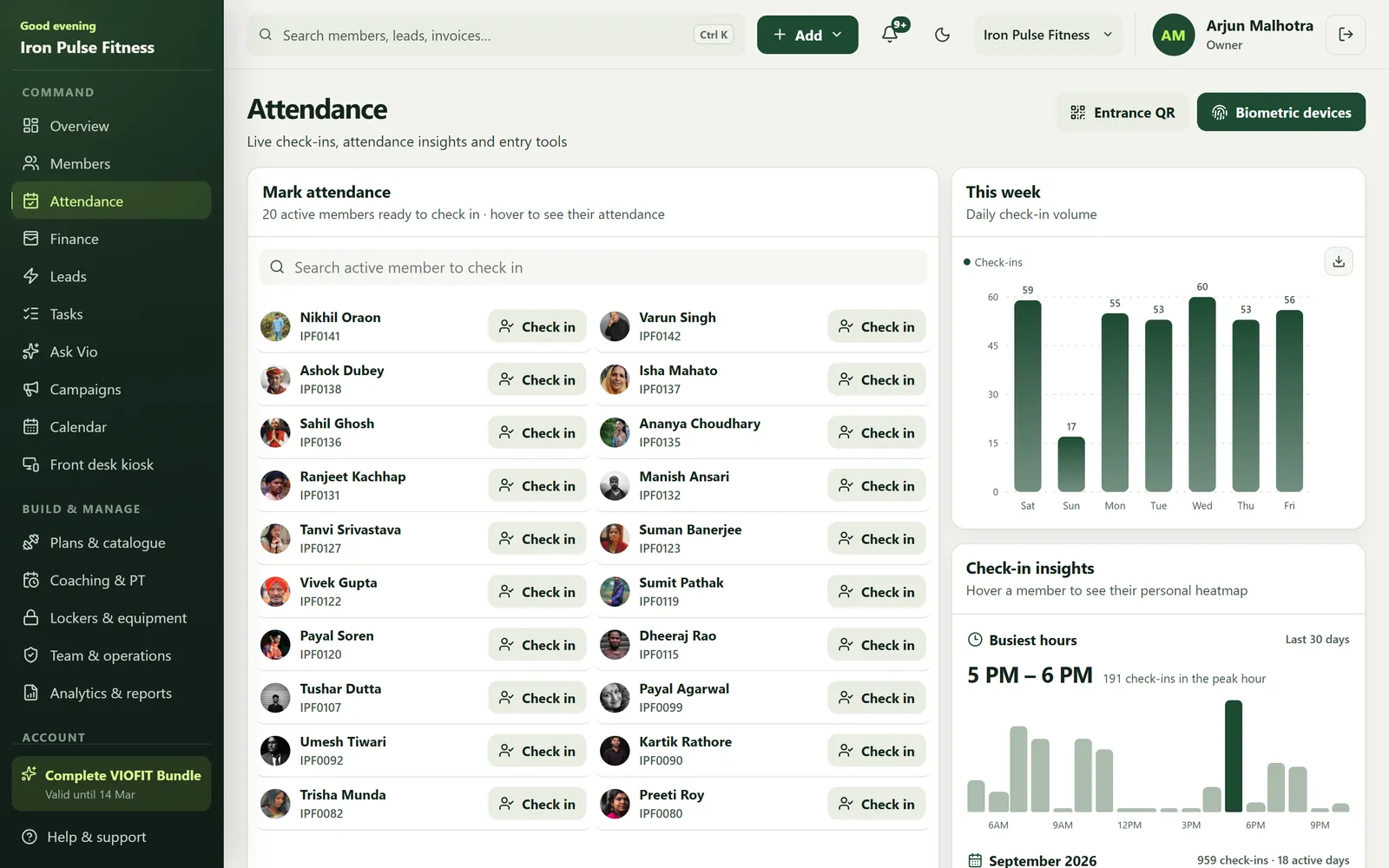
In a connected gym management app, a check-in adds to attendance history, a verified payment updates the invoice and due, and a completed PT session reduces the remaining balance. The value is not digital storage by itself; it is keeping the current status visible.
This also lets each role work from the same record while seeing only the actions permitted for them.
- Owner: business movement and permissions
- Front desk: members, attendance, fees and follow-up
- Trainer: assigned members, plans and sessions
- Member: pass, attendance, payments and coaching
Move without disrupting the gym
Do not digitise every old notebook on day one. Begin with active members, current memberships, pending dues and today's opening balances. Train the team on the three most frequent actions before adding less common work.
- Find or add a member
- Check in a member
- Record and verify a payment
- Review tomorrow's expiries
Measure whether the change is helping
After one week, check how long member search, entry check-in, fee recording and the owner's daily review now take. Ask staff what still sends them back to paper.
A guided VIOFIT trial lets the gym test those workflows before paying. If the app reduces repeated work and keeps the team clearer, then choose the plan that fits.
Frequently asked questions
Is a gym app really better than a register book?
A register is cheap and familiar, but it cannot link attendance, dues and PT balances or tell you who stopped coming. An app keeps those connected, which is what saves time at renewal and follow-up.
What happens to my old register data?
Existing members can be imported from an Excel sheet, and VIOFIT includes free data migration on 300-day licences.


